




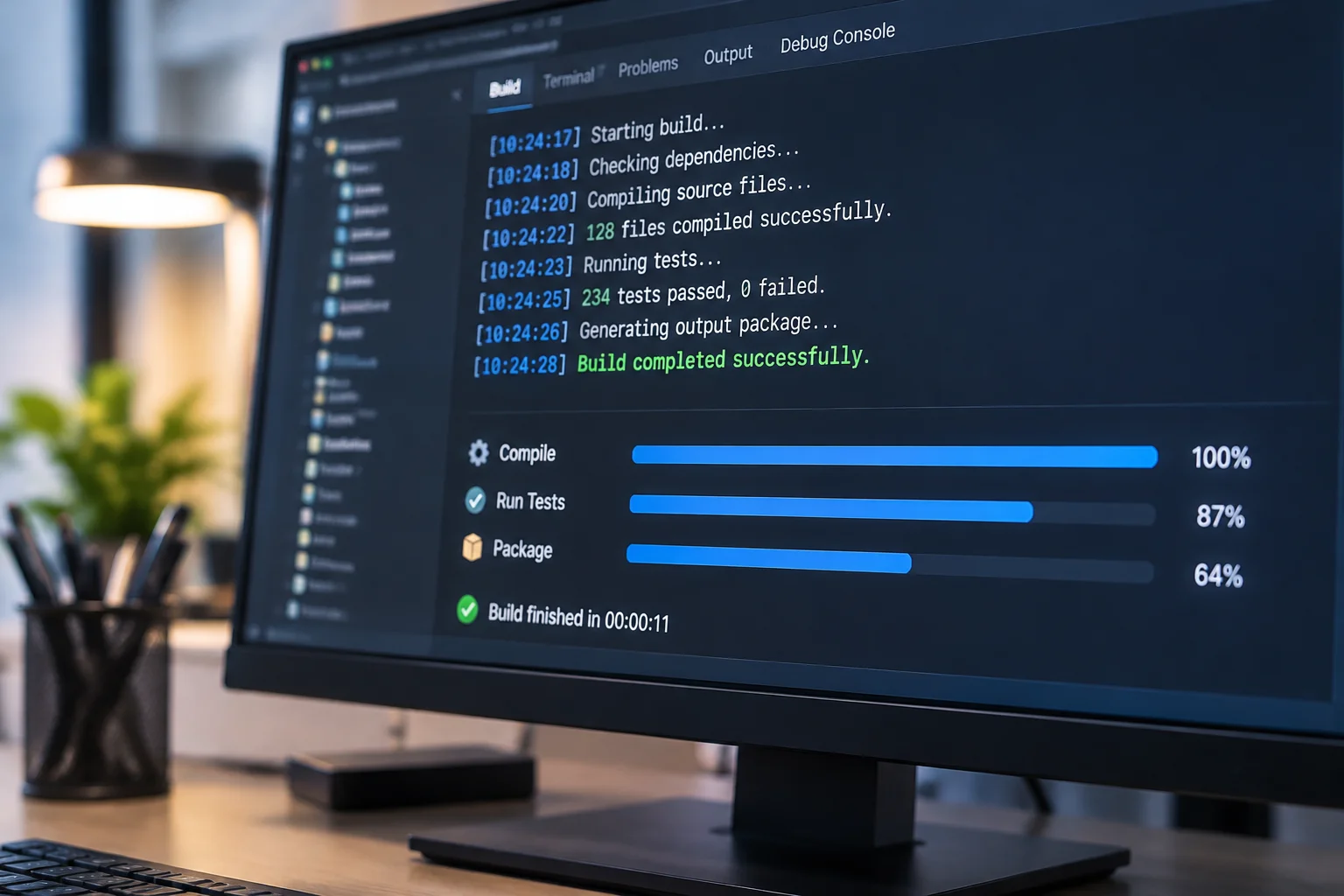
How Automated Testing Strengthens Development Pipelines

Modern software development relies heavily on the speed of iteration. When engineering teams commit code multiple times a day, manual testing becomes a bottleneck that slows down the entire release cycle. This is where continuous integration pipelines prove their value. By automating the validation of every code change, teams can identify defects in the early stages, long before they reach the production environment.
A well-structured pipeline acts as a safety net for developers. It ensures that new features do not break existing functionality while maintaining a high standard of code consistency. Implementing these automated checks is not just about speed; it is about building confidence in the software you ship to your users.
Understanding Basic Pipeline Stages
Every effective CI pipeline follows a logical progression of events. It begins with the source code management stage, where the pipeline triggers as soon as a developer pushes a change to the repository. This initial trigger starts the build process, which compiles the code and resolves necessary dependencies. Without a clean build, nothing else can proceed.
Following the build, the pipeline enters the testing phase. This is the heart of automation, where the system executes various checks to ensure the application behaves as expected. The final stage involves packaging the software and preparing it for deployment. If any step fails, the pipeline halts, providing immediate feedback to the developer so they can address the issue immediately.
Common Tools for Automation
Engineering teams have a wide variety of tools at their disposal to manage these stages. Choosing the right stack depends on the language, the infrastructure, and the specific needs of the project. Many teams start with popular open-source solutions that integrate well with existing version control systems.
- Jenkins provides a highly customizable environment for complex build requirements.
- GitLab CI offers a seamless experience by bundling repository management and pipelines.
- GitHub Actions allows for event-driven automation directly inside the code repository.
- CircleCI focuses on speed and parallel execution to reduce total build times.
- Travis CI simplifies the setup process for many common programming languages.
Each of these tools offers a unique set of plugins and integrations that help connect the pipeline to other parts of the development ecosystem. Whether you need to run static analysis, security scans, or performance tests, there is likely a pre-built integration available that fits into your current workflow.
The Limits of Automated Testing
While automation is powerful, it is not a complete replacement for human judgment. Understanding the practical boundaries of what a pipeline can do is essential for maintaining a healthy development process. Automated tests excel at finding regression bugs and verifying technical requirements, but they struggle with subjective aspects of the user experience.
For instance, an automated script can confirm that a button performs its function when clicked, but it cannot determine if the layout is visually appealing or intuitive for a human user. Furthermore, automation is only as good as the test cases written for it. If the test suite is poorly designed or covers only a fraction of the codebase, it will provide a false sense of security while critical bugs remain hidden.
Building a Resilient Workflow
Successful teams treat their pipeline as a living component of their product. They regularly update their test suites, prune redundant checks, and monitor the performance of the pipeline itself. A slow pipeline is often ignored, which leads to developers bypassing checks or ignoring failures. Keeping the feedback loop tight and reliable is the best way to ensure that automation remains an asset rather than a burden.
Ultimately, the goal of integrating automated testing into your CI pipeline is to foster a culture of quality. By removing the repetitive tasks from the developer's plate, you allow them to focus on solving complex problems. Automation handles the routine verification, ensuring that when the team reaches the release date, the software is already stable and ready for the world.

Comments
Lee Ji-eun
I am amazed by your level of service and attention to customers. You really care and do everything to make the service even better, I wish you good luck!
Kim Min-jun
I had a pleasant experience of cooperation! A team of professionals did everything quickly and efficiently.
Choi Ha-yoon
I really appreciate your professionalism and in-depth knowledge in your field. Thanks to you, I always feel confident.
Park Seo-jun
A wonderful experience! All my requests were fulfilled accurately and on time. Respect and more customers to you!